Minecraft Bedrock mods break most often right after a game update, so the version a creator lists matters as much as the features. This page groups every add-on on our verified list by what its source page actually says about versions, as checked on November 5, 2026. Where a page lists nothing, we say so instead of guessing.
Quick answer: Bedrock 26.60 was the latest stable release when we checked on November 5, 2026. Only two picks list a 26.x version: Faithful 32x Bedrock (26.x, September 2026 hotfix) and Naturalist Add-On (listing title 26.2). Most other pages list no game version, so check the update date and recent comments before you install.
How Bedrock Version Numbers Work
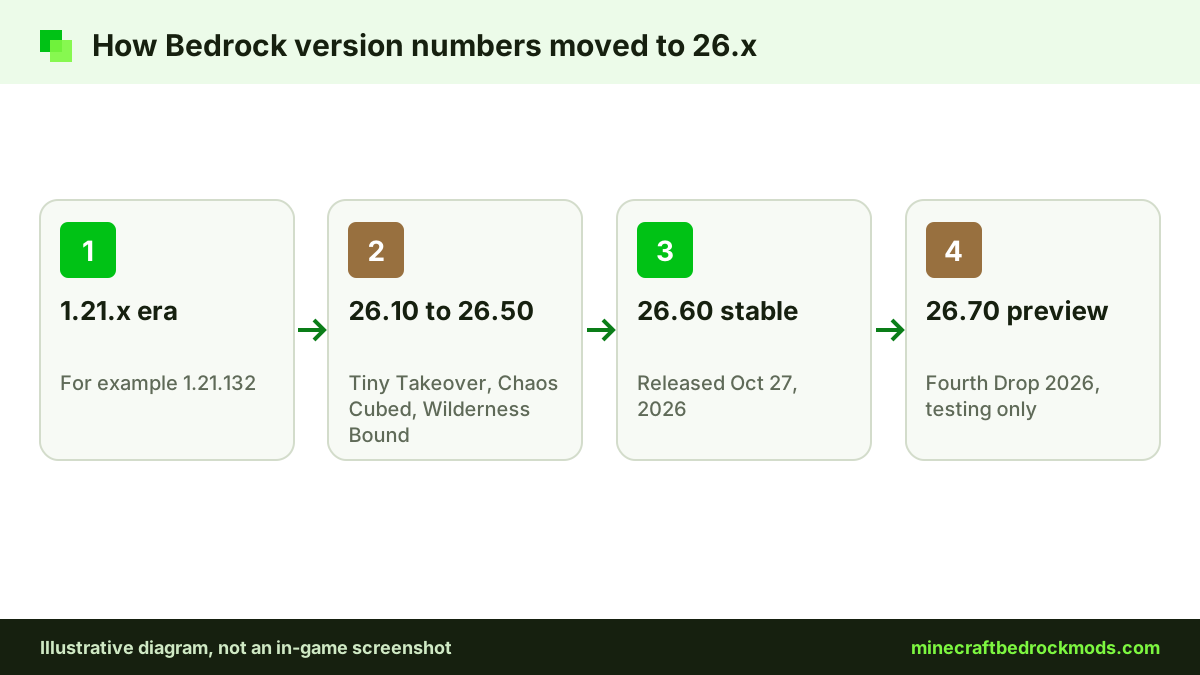
For years, Bedrock used 1.21.x numbers, with releases such as 1.21.132. Starting with 26.0, Mojang moved to a new numbering scheme, so 26.x releases follow 1.21.x. Releases since then include 26.10 (Tiny Takeover), 26.30 (Chaos Cubed) and 26.50 (Wilderness Bound).
The current stable release is 26.60, released October 27, 2026. Version 26.70, the Fourth Drop of 2026, was in preview when we checked. You can read every release note on the official Bedrock changelogs, including the 26.60 changelog.
Preview builds are for testing. Add-on pages rarely target them, so expect more breakage there than on a stable release.
Stable or preview: which should you mod?
Use the stable release for any world you care about. Previews let you try upcoming features early, but creators usually update their packs after a release goes stable, not during the preview. If you want to explore 26.70 early, do it in a fresh test world with no add-ons, or with packs whose creators say they support the preview.
How We Record Versions
For every add-on, we opened the official source page on November 5, 2026 and copied three fields as written: the pack's own version or file number, any supported game version, and the last update date. When a creator publishes releases on GitHub, we used the release tag and its date, because that is what the repository shows.
We do not fill gaps. If a field was missing or unclear, it reads "Not listed" in the table below. We also never infer a game version from an update date: a pack updated in November 2026 may still target an older release.
Reading a version label
- "or newer": the creator's stated minimum. Later versions may work, but nothing confirms it.
- "as listed": the exact game version shown on the page, often the one the pack was last built for.
- Listing title: a number in the product name, such as Naturalist's "26.2", which is the creator's own label.
- File or release number: the pack's own version, such as v8.1, which says nothing about the game version by itself.
Bedrock Add-ons by Listed Version: Full Table
The table shows exactly what each source page listed. "Not listed" means the page did not show that field clearly, not that the pack is broken.
| Mod | Version listed on source | Game version listed | Last update listed | Source |
|---|---|---|---|---|
| Faithful 32x Bedrock | September 2026 hotfix | 26.x | Sep 5, 2026 | faithfulpack.net |
| Naturalist Add-On | 26.2 (listing title) | Not listed | Not listed | Marketplace |
| Waypoints Everywhere! | v1.0.0 (GitHub release) | 1.21.40 or newer | Nov 30, 2024 | CurseForge |
| Bare Bones Texture Pack | Not listed | 1.21.90 (as listed) | Not listed | CurseForge |
| RPG++ | Not listed | Current release; older builds from 1.21.60 via Discord | Not listed | CurseForge |
| Advanced Waypoints | v8.1 (GitHub release) | Not listed | Apr 4, 2026 | CurseForge |
| Simple Vehicles Addon | 3.5.2 (latest file) | Not listed | Not listed | CurseForge |
| Chaotic World 2.0 | 2.0 | Not listed | Nov 5, 2026 | CurseForge |
| Biomes O' Discovery | Not listed | Not listed | Nov 5, 2026 | CurseForge |
| Epic Machinery | Not listed | Not listed | Nov 5, 2026 | CurseForge |
| UtilityCraft | Not listed | Not listed | Nov 2, 2026 | CurseForge |
| Faithful 64x: Bedrock | Not listed | Not listed | Sep 15, 2026 | CurseForge |
| DontCry | Not listed | Not listed | Sep 13, 2026 | CurseForge |
| Another Furniture Add-On | Not listed | Not listed | Not listed | Marketplace |
| Decocraft | Not listed | Not listed | Not listed | Marketplace |
| Spark Pets Add-On (Lite) | Not listed | Not listed | Not listed | Marketplace |
| The Bloody Mist | Not listed | Not listed | Not listed | CurseForge |
| RealSource REALISTIC pack | Not listed | Not listed | Not listed | CurseForge |
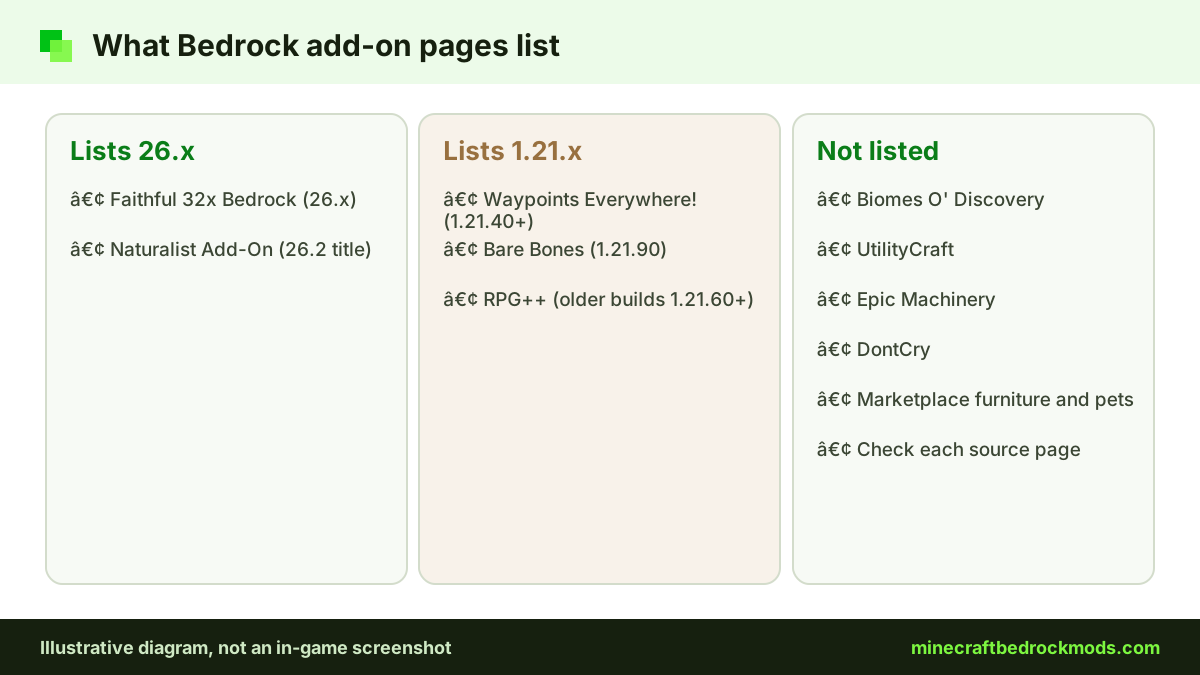
Packs That List a 26.x Version
Faithful 32x Bedrock
The Faithful team's September 2026 hotfix is marked for 26.x and was published on September 5, 2026. It is a light, double-resolution texture pack. Download ZIP from GitHub (.mcpack).
Naturalist Add-On
Starfish Studios' Marketplace listing carries "26.2" in its title. The page shows no separate game version, so treat the title as the creator's own label.
Packs That List a 1.21.x Game Version
A 1.21.x number is a starting point, not a promise that the pack still works on 26.60.
- Waypoints Everywhere! by Hatchibombotar lists 1.21.40 or newer. Its GitHub release v1.0.0 is dated November 30, 2024. Download ZIP from GitHub (.mcaddon).
- Bare Bones Texture Pack by robotpants lists 1.21.90.
- RPG++ by Serty targets the current release, with older builds from 1.21.60 available through the creator's Discord. It is listed as requiring experiments.
Versioned Files Without a Game Version
These pages show a file or release number but no supported game version:
- Advanced Waypoints: v8.1 GitHub release from April 4, 2026, in TP and no-TP builds. Download ZIP from GitHub (.mcaddon).
- Simple Vehicles Addon: 3.5.2 is the latest file listed; experiments required.
- Chaotic World 2.0: version 2.0, updated November 5, 2026; experiments not required per the page.
Not Listed: Check the Source Page
The remaining pages list no game version. A recent update date is a good sign but not proof: Biomes O' Discovery and Epic Machinery (both Nov 5, 2026), UtilityCraft (Nov 2, 2026), Faithful 64x: Bedrock (Sep 15, 2026) and DontCry (Sep 13, 2026). Faithful 64x also has a GitHub repo, but its latest GitHub release dates from 2022, so use CurseForge for the current build.
Another Furniture Add-On, Decocraft, Spark Pets Add-On (Lite), The Bloody Mist and RealSource REALISTIC pack showed neither a version nor an update date. For the Marketplace three, check the listing in the in-game store. For the community packs, the comments section or changelog is often the fastest way to see whether players on 26.60 report problems.
How to Check Bedrock Mods Compatibility Yourself
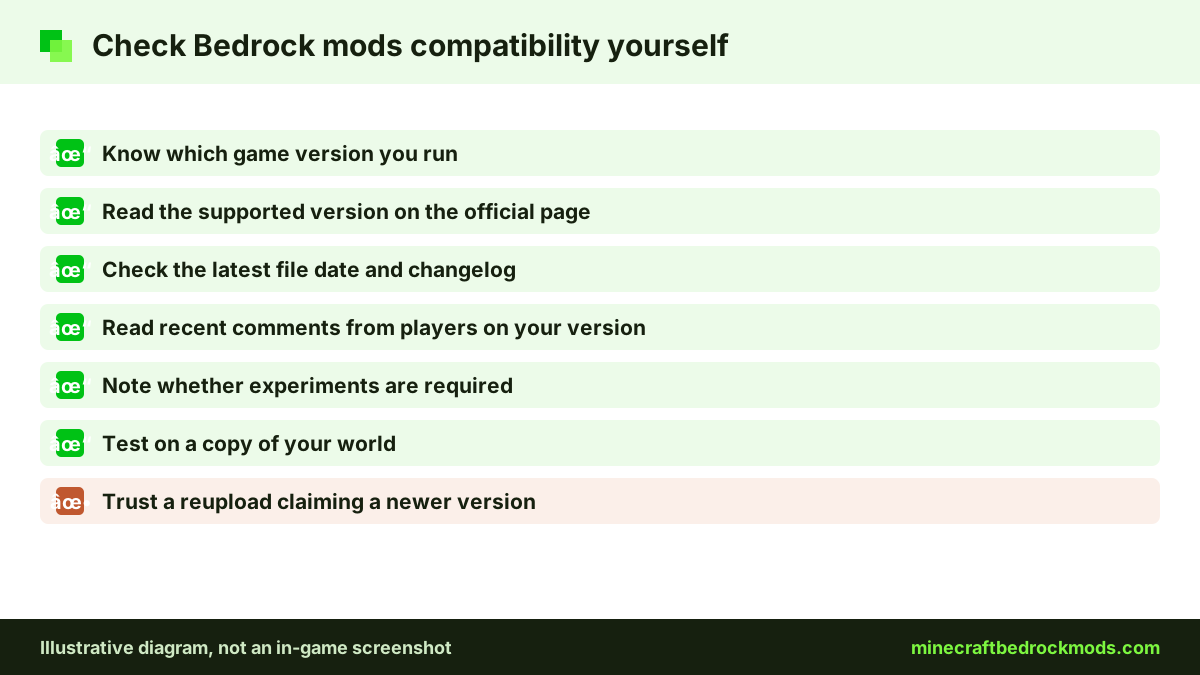
- Check which game version you are running, and compare it with the latest release in the changelogs.
- Open the add-on's official page and look for a supported version, file date and changelog.
- Read the newest comments for reports from players on your version.
- Note whether the pack needs experiments.
- Test on a copy of your world before touching your main save.
What Breaks After a Bedrock Update
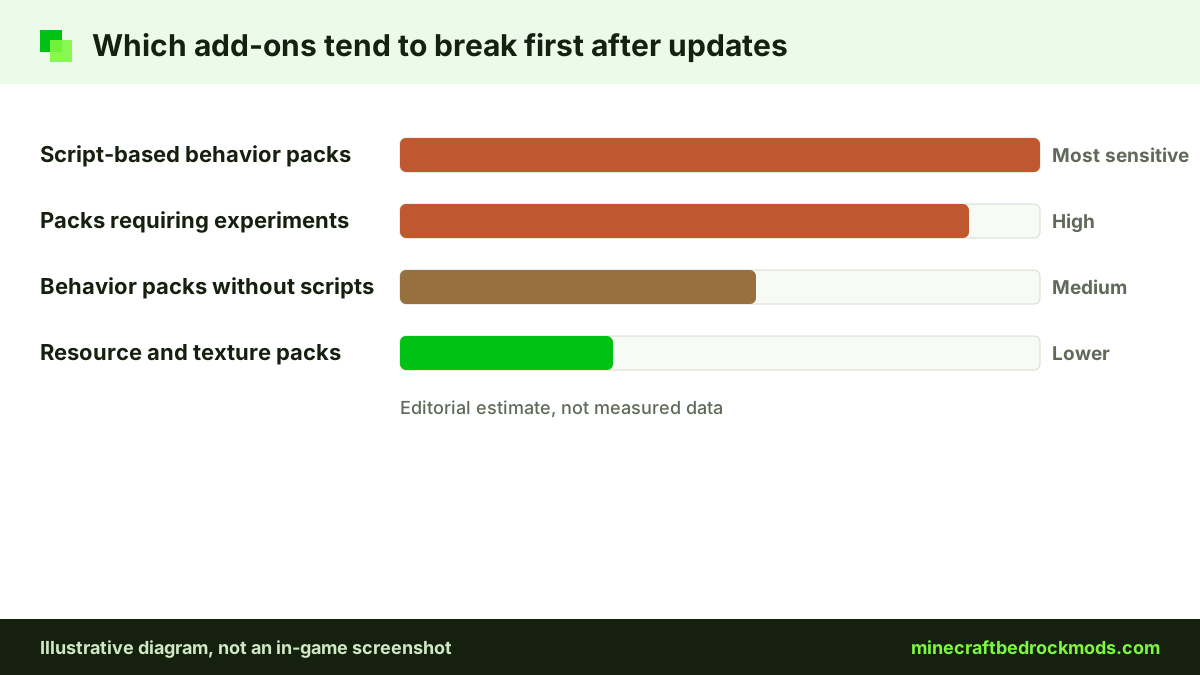
Script-based add-ons are the most sensitive. Script API modules ship with game updates: 26.50 released @minecraft/server 2.10.0 and 26.60 released 2.11.0. A pack built against an older module may need an update from its creator. Experimental features can also change between versions, which is why packs that require experiments break more often.
Resource packs usually survive longer, but new or renamed textures can show as missing until the creator updates. If you want to understand the moving parts, our beginner add-on creation guide explains manifests and scripts.
Rolling Forward Safely
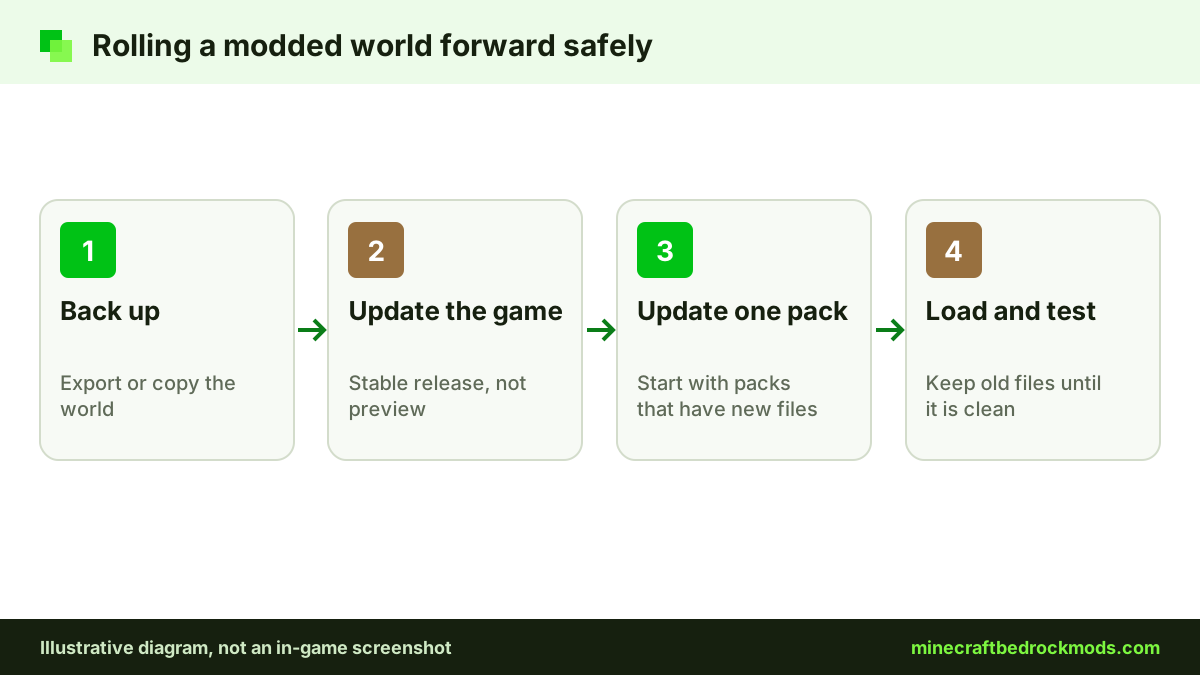
When a new version lands, export or copy your modded world first. Then update one add-on at a time, starting with the ones whose creators posted a new file. Keep the old pack file until the world loads cleanly. Our update and backup guide walks through the full routine.
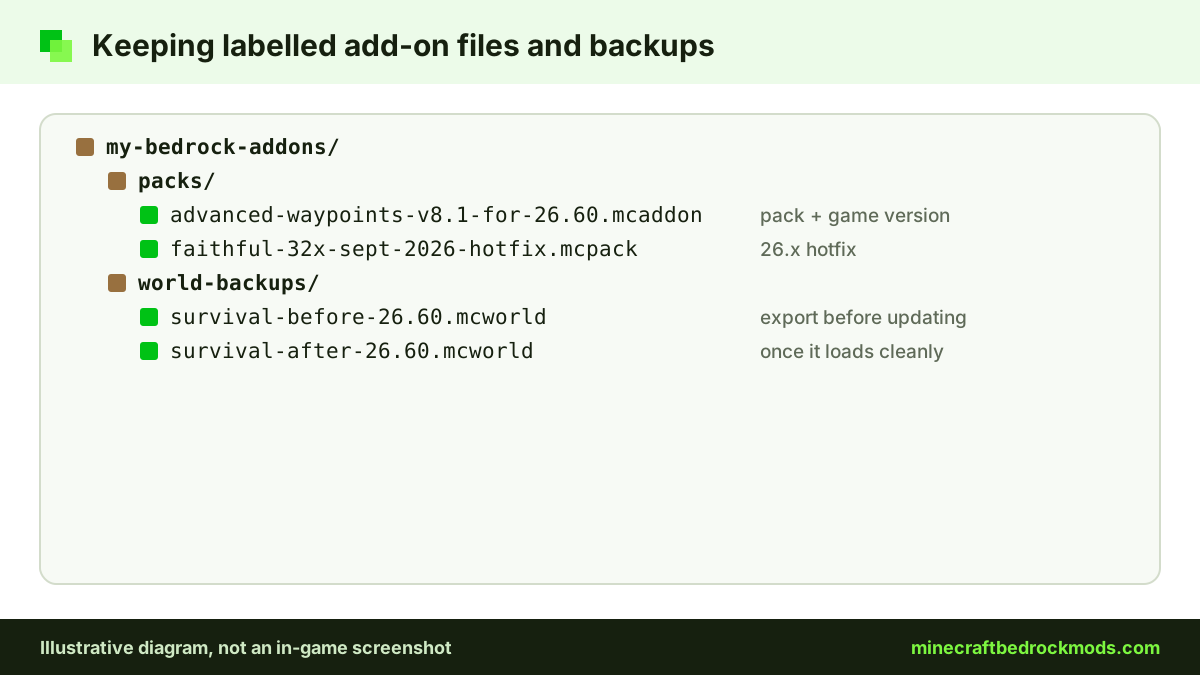
A simple habit helps: when you download a pack, rename the saved file to include the pack version and the game version you used it on, such as "advanced-waypoints-v8.1-for-26.60". If a later file breaks your world, you know exactly which one to go back to.
Platform Notes
Android, iOS and Windows usually update through their app stores or launcher; the Help Center has steps to manually update Bedrock on PC. Consoles cannot import community files, so the Marketplace picks are their only direct route; see our console add-ons guide. The Help Center also explains how to manually update Minecraft on consoles.
If you play with friends, agree on when to update. A host who updates early can lock out friends still on the older version, and a pack that breaks on one device will break for everyone in that world.
Troubleshooting Version Problems
- Import fails with a version warning: update the game or find a file built for your release.
- Features missing after an update: check whether experiments are still enabled, then wait for a creator update.
- Purple and black textures: the resource pack is outdated or inactive.
- World will not open: restore your backup and remove the newest pack.
- Two packs worked before, but not together now: disable one, load the world, then check both creators' pages for new files.
- Script errors or missing menus: the pack likely needs a creator update for the new Script API version.
Safety
Never download an "updated" pack from a reupload site that promises a newer version than the creator's page shows. Real add-ons are .mcaddon, .mcpack or .mcworld files, never .exe or .apk. Our free vs Marketplace download guide covers ad walls and fake installers.
How We Keep This Page Current
We change this page's last-modified date whenever any version entry changes, so the date at the top always reflects the latest check. For features, prices and performance, see our 15 best Bedrock mods list.
Frequently Asked Questions
Bedrock 26.60 was the latest stable release when we checked on November 5, 2026. It was released on October 27, 2026, and 26.70 was in preview.
Mojang moved to a new numbering scheme starting with 26.0. Before that, releases used 1.21.x numbers such as 1.21.132. Check the official changelogs for each release.
Maybe, but it is not guaranteed. A listed 1.21.x version, such as 1.21.40 or newer for Waypoints Everywhere!, is a minimum the creator gave. Test it on a copy of your world first.
On our verified list, Faithful 32x Bedrock lists 26.x for its September 2026 hotfix, and the Naturalist Add-On Marketplace listing has 26.2 in its title.
Script API modules ship with game updates, and experimental features can change. Packs that use scripts or require experiments are usually the first to need a creator update.
Whenever a version entry changes, we update the entry and the page's last-modified date, so the date shown at the top reflects the latest check.
Conclusion
Most Minecraft Bedrock mods do not publish a supported game version, so a version list is only as good as its sources. We record exactly what each page shows, and we mark everything else as not listed.
Before you update to a new release, back up your world, check the creator's page and test on a copy. Browse every verified pick with its source link on our mods download page.