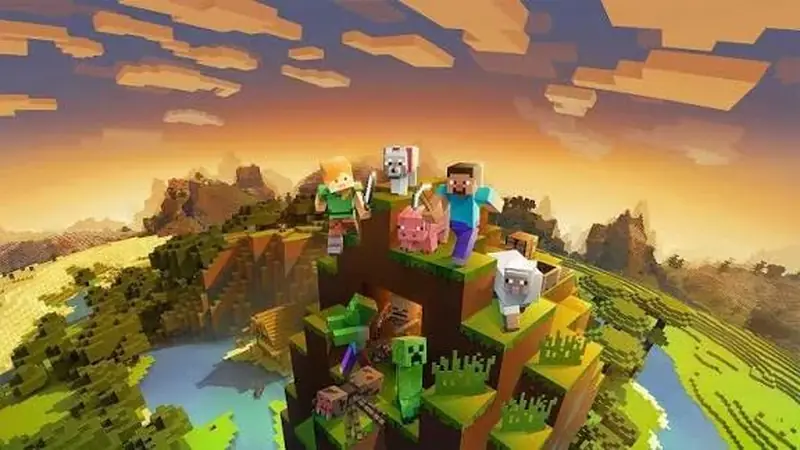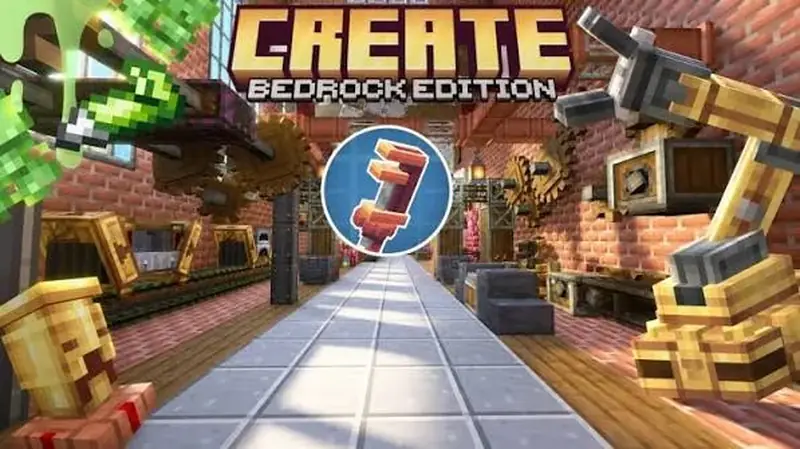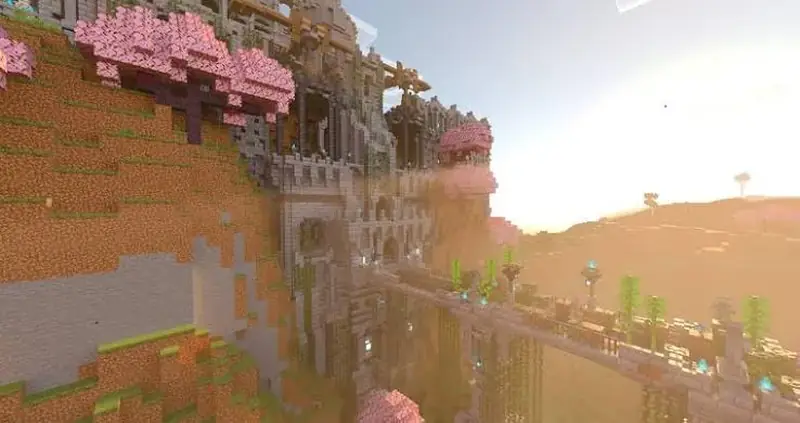
Minecraft Bedrock mods can make your first week in a new world friendlier, but only if you pick the right ones. A brand-new player does not need a magic system and four boss fights on day one. What helps is a small set of add-ons that shows you the way home, makes building more fun and removes a few chores, without hiding how normal Minecraft works.
Version note: this guide is written for Bedrock 26.60, the latest stable release when we checked on November 5, 2026. Every named add-on below comes from our verified list, checked on its official source page that day. We have not tested these packs on our own devices yet.
What Makes a Good Starter Add-on
On Bedrock, "mods" are add-ons: a behavior pack that changes how things work, a resource pack that changes how things look, or both. They arrive as .mcpack, .mcaddon or .mcworld files, or through the Minecraft Marketplace. Good starter packs share a few traits:
- Small footprint. They change one or two things, so problems are easy to trace.
- No experiments needed. Packs that work without experimental toggles survive game updates more easily.
- Easy to remove. A waypoint or texture pack can usually be switched off later.
- Light on performance. Phones and tablets stay smooth.
Anything that rewrites world generation, replaces dozens of mobs or adds a full tech tree is better saved for your second or third world.
Try the built-in helpers first
Bedrock already includes several beginner aids. The recipe book shows what you can craft with the items you carry. The show coordinates option tells you exactly where you are. Difficulty can be set to Peaceful while you learn the controls, then raised once you feel ready for night-time mobs. Starting with these means every add-on you install later solves a real problem instead of one the game already handles.
Verified Starter-Friendly Bedrock Add-ons
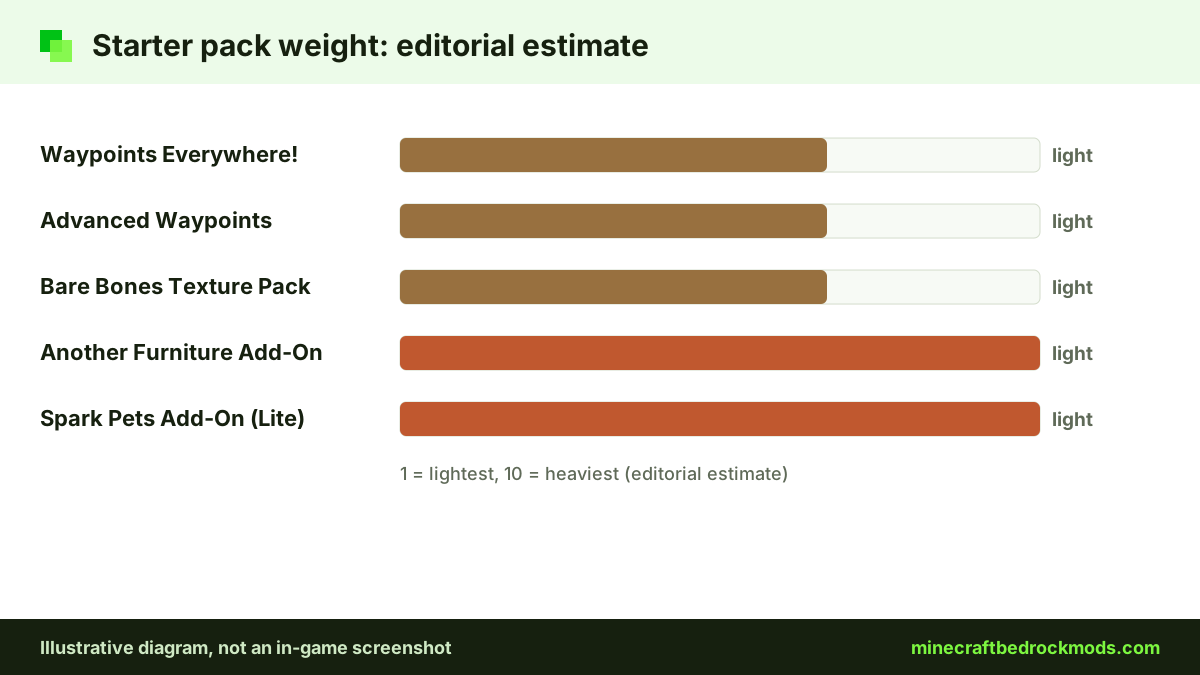
These picks come from our verified list. Performance labels are editorial estimates based on what each pack adds, not benchmarks.
| Add-on | Creator | What it does | Source | Price | Platforms | Weight (estimate) |
|---|---|---|---|---|---|---|
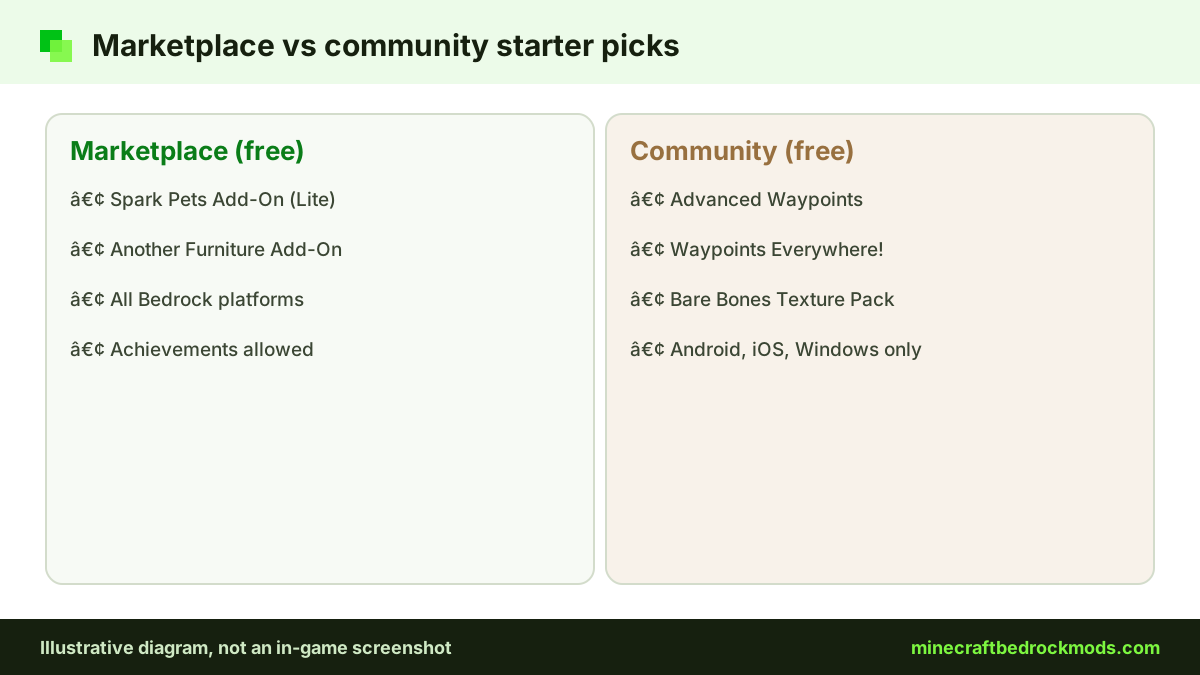
| Advanced Waypoints | Endermen76428 | Saves waypoints so you can find home | CurseForge, GitHub | Free | Android, iOS, Windows | Light |
| Waypoints Everywhere! | Hatchibombotar | Minimal waypoint system | CurseForge, GitHub | Free | Android, iOS, Windows | Light |
| Spark Pets Add-On (Lite) | Spark Universe | 10 cute pets with outfits and tricks | Marketplace | Free | All Bedrock platforms | Light |
| Another Furniture Add-On | Starfish Studios | Chairs, tables, shelves and more | Marketplace | Free | All Bedrock platforms | Light |
| Bare Bones Texture Pack | robotpants | Simple, colorful trailer-style textures | CurseForge | Free | Android, iOS, Windows | Light |
Waypoints: never lose your base
Getting lost is the most common early frustration. First, try the built-in option to show coordinates in your world's game settings. If you want more, Advanced Waypoints lets you create waypoints so you can always find your way back. Its v8.1 release on the creator's official GitHub repository is an .mcaddon offered in TP and no-TP builds, so read the release notes and pick the one that fits how you want to play. Waypoints Everywhere! is a lightweight alternative. Its listing asks for 1.21.40 or newer and its GitHub release dates from November 2024, so check recent comments to confirm it still works on your version.
Pets and furniture from the Marketplace
Spark Pets Add-On (Lite) adds 10 pets with colors, outfits, treats and tricks, which suits younger players and families. Another Furniture Add-On gives builders chairs, tables and shelves. Both are free on the Minecraft Marketplace add-ons category, so they work on every Bedrock platform, including consoles.
A clearer look with Bare Bones
Bare Bones Texture Pack uses simple, colorful textures in the style of the official trailers. It is light enough for most phones. For more visual options, see our texture packs and shaders guide.
Add-ons a Beginner Should Skip for Now
Some add-on types are great later but can sour a first world:
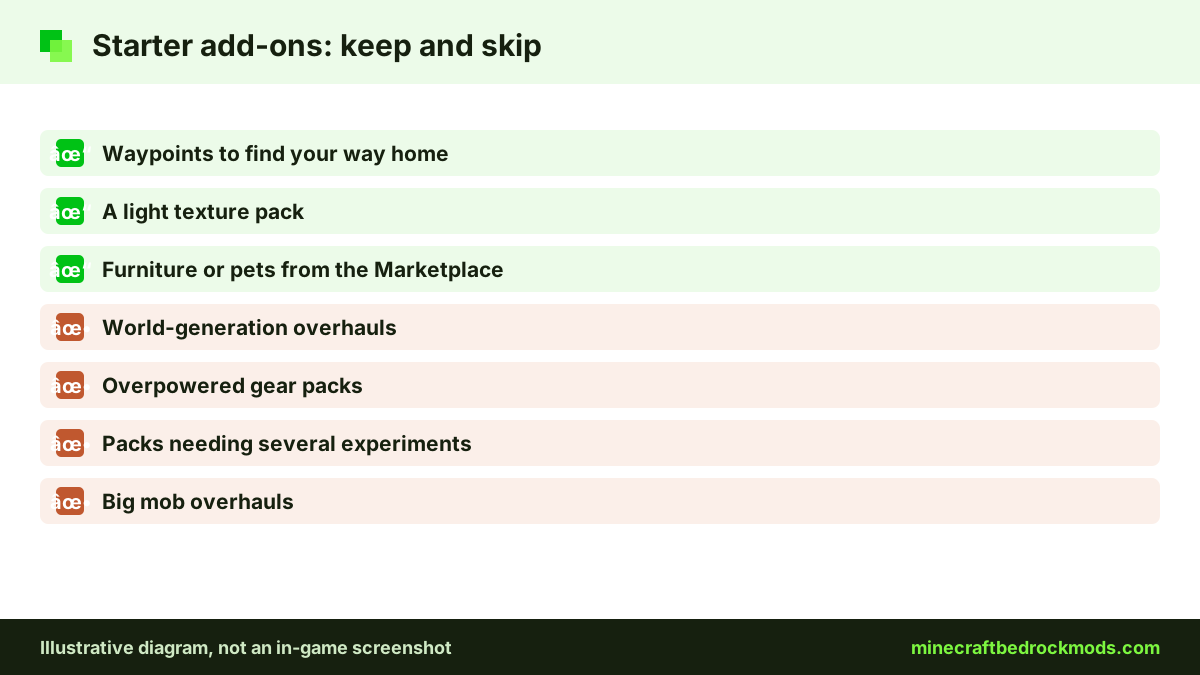
- World-generation overhauls: guides and videos describe vanilla terrain, so advice stops matching what you see.
- Overpowered gear: it removes the challenge that teaches combat, food management and defense.
- Heavy experimental packs: they break more often after updates and may not work on some Realms or servers.
- Big mob overhauls: they change how creepers and skeletons behave, which makes early survival unpredictable.
Heavy packs also slow down weaker devices. Our low-end performance guide explains which ones cost the most.
Your First-Week Plan With Starter Add-ons
This plan assumes about an hour a day. The idea is to add one thing at a time, so you always know what each pack does.
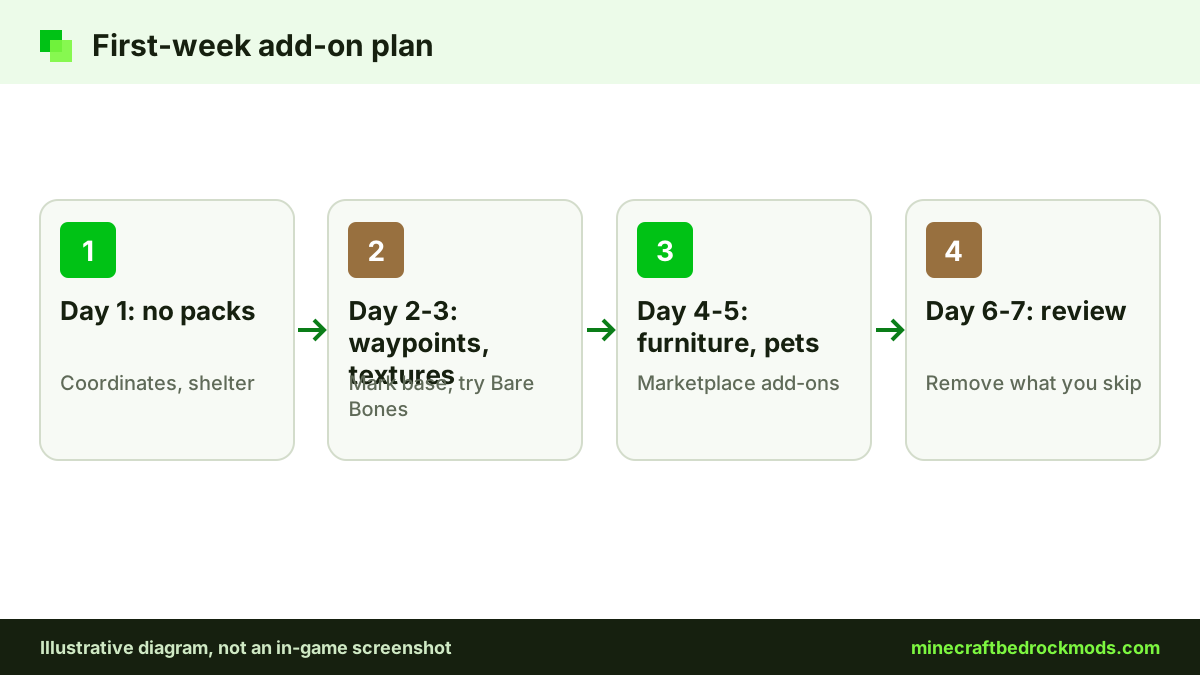
- Day 1, no packs: turn on coordinates, learn controls, punch trees and build a shelter.
- Day 2, waypoints: add Advanced Waypoints or Waypoints Everywhere! and mark your base before exploring.
- Day 3, textures: try Bare Bones in Global Resources and see whether ores are easier to spot.
- Day 4, furniture: add Another Furniture Add-On and decorate your first house.
- Day 5, pets: add Spark Pets Add-On (Lite) if younger players share the world.
- Day 6, no new packs: find a village, trade and build iron armor.
- Day 7, review: remove anything you did not use and plan your next world.
Many players discover they only needed waypoints and furniture. The leaner the list, the smoother the next update will go.
Playing with family and younger players
If a parent and child share a world, agree on the pack list before anyone downloads anything. Marketplace picks such as Spark Pets Add-On (Lite) and Another Furniture Add-On are a calm starting point because they install inside the game, with no files to hunt for. Keep horror add-ons and overpowered gear out of shared family worlds, and create a separate world for experiments so the main build stays safe. Short sessions with one new pack at a time also make it easier to explain what changed.
Updating and Removing Starter Packs
Add-ons and the game both update. Before a big Bedrock update, export or copy your world so you have a clean backup. After the update, load the copy first and check that waypoints, furniture and pets still work. If a community pack breaks, look on its source page for a newer file; Advanced Waypoints, for example, publishes releases on GitHub.
To remove a pack, open the world's Behavior Packs or Resource Packs list and deactivate it. Blocks or entities from a removed behavior pack may disappear from that world, so try removal on a copy first.
How to Install and Activate Starter Packs
Marketplace add-ons install from the in-game store. For community files on Android or Windows, open the downloaded file and Minecraft imports it. On iPhone or iPad, tap the file in the Files app and open it in Minecraft. Wait for the import message.
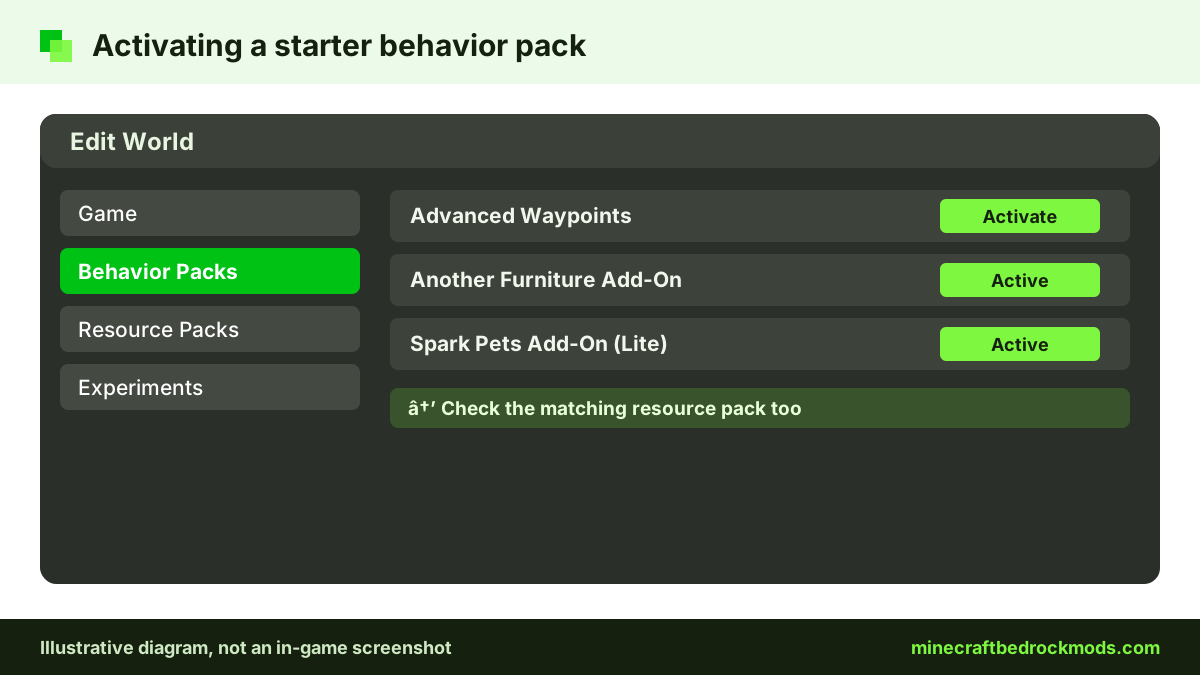
Importing does not switch a pack on. Per the Help Center guide to activating add-ons, select the pencil icon next to a world, open Resource Packs or Behavior Packs, and activate the pack. If an add-on has both parts, check that both are active. Back up the world first. Our full download and install guide walks through every file type.
Platform Notes for New Players
Android and iOS / iPadOS: all five picks work. Keep an eye on storage and stick to light packs on older phones.
Windows 10/11: all five picks work, with the most room for extra packs.
Xbox, PlayStation and Switch: consoles cannot import community files, so Advanced Waypoints, Waypoints Everywhere! and Bare Bones are not available to install there. Spark Pets Add-On (Lite) and Another Furniture Add-On come from the Marketplace and work on consoles. Console players can also join a Realm or friend's world that already runs packs.
Achievements With Starter Add-ons
According to Minecraft.net's July 2025 announcement, achievements can be earned in worlds with add-ons, but only when those add-ons come from the Marketplace. That means Spark Pets Add-On (Lite) and Another Furniture Add-On should keep achievements on, while community packs such as Advanced Waypoints do not qualify. Resource-only packs have historically not affected achievements, but check the world's achievement notice after activating any pack. Cheats still disable achievements. See our achievements guide for details.
Troubleshooting Starter Add-ons
- Pack imported but nothing happens: it is not activated in that world, or only one half of an add-on is active.
- Waypoint menu missing: read the pack page for the item or command that opens it.
- "Import failed": the download is broken or not a real add-on file. Download again from the source.
- Game slows after adding packs: remove the newest pack and test again.
- Pack stopped working after an update: check its page for a newer version.
- Marketplace add-on not in the list: make sure you are signed in with the account that downloaded it, then look under the world's packs again.
- Friends cannot see your furniture or pets: the add-on must be active on the shared world itself.
Staying Safe on Day One
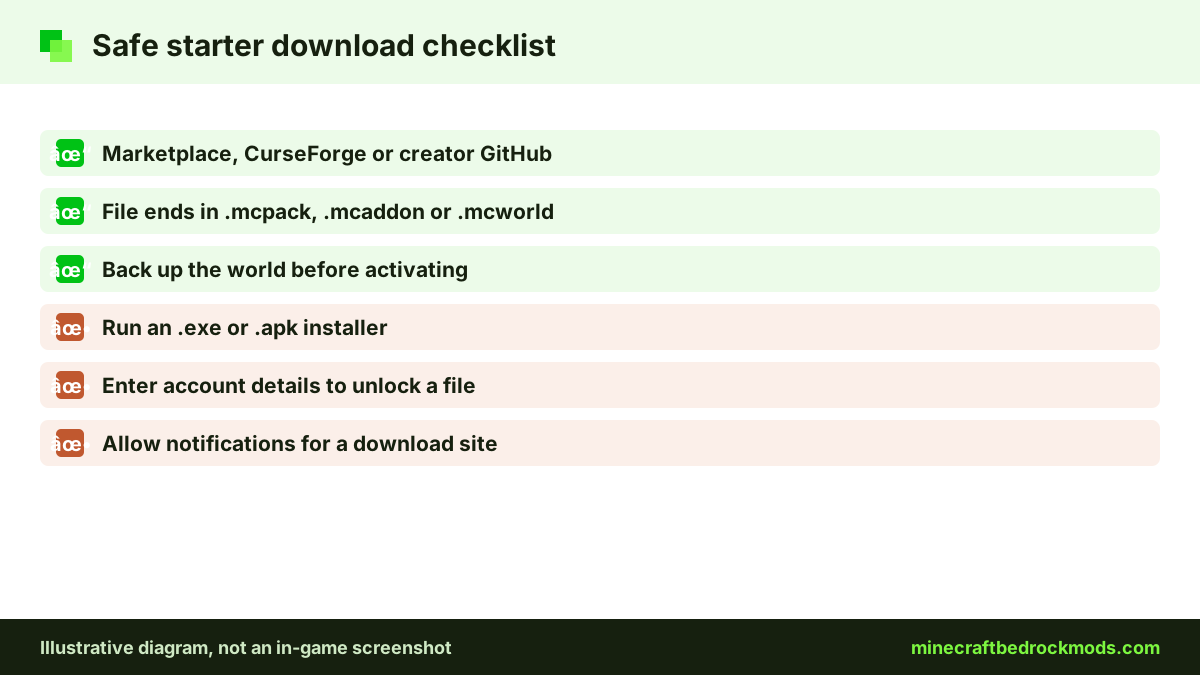
Free add-on searches attract fake download pages. Stick to the Marketplace, CurseForge and creators' official GitHub pages. A real add-on ends in .mcpack, .mcaddon, .mcworld or .mctemplate; an .exe or .apk that claims to install one is a red flag. Skip pages with countdown walls or notification prompts, and never enter account details to unlock a download. Parents can pick the packs together with younger players before anything is opened.
Frequently Asked Questions
A waypoint add-on such as Advanced Waypoints or Waypoints Everywhere! solves the most common beginner problem: getting lost. Try the built-in coordinates option first, then add waypoints.
Spark Pets Add-On (Lite) and Another Furniture Add-On are free Marketplace add-ons, so they work on every Bedrock platform. Consoles cannot import community files such as Advanced Waypoints.
Officially, only add-ons from the Marketplace keep achievements. Community packs do not qualify. Resource-only packs have historically not affected achievements, but check the world's achievement notice after activating any pack.
No. Bedrock has a built-in option to show coordinates in the world's game settings. Waypoint add-ons are useful when you want to save and return to several places.
Three or four light packs is a sensible ceiling for a first world. Add them one at a time and test each, so you know which one causes a problem.
Yes, from the Marketplace, CurseForge or a creator's official GitHub page. Avoid any page that asks you to run an .exe or .apk, enter account details or allow notifications.
Conclusion
A good first world needs only a few gentle add-ons: a waypoint pack to find your way home, a light texture pack, and Marketplace extras such as furniture or pets. Skip overhauls and overpowered gear until you know how the base game feels.
Follow the first-week plan, add one pack at a time and back up before every change. Stick to verified sources, check every file extension, and you will know which Minecraft Bedrock mods you really rely on by day seven.