Minecraft Bedrock mods are spread across several community sites, and CurseForge is one of the more organized places to browse them. Its Minecraft Bedrock section collects add-ons, maps, texture packs and skins, with project pages that follow a consistent layout. That layout is useful only if you know which parts to read. A project can look polished and still target an old game version, depend on another pack, or need experimental toggles. This guide shows real CurseForge examples, how to read a project page, and how to install, update and troubleshoot what you download.
Why CurseForge Is Worth a Look for Bedrock Add-ons
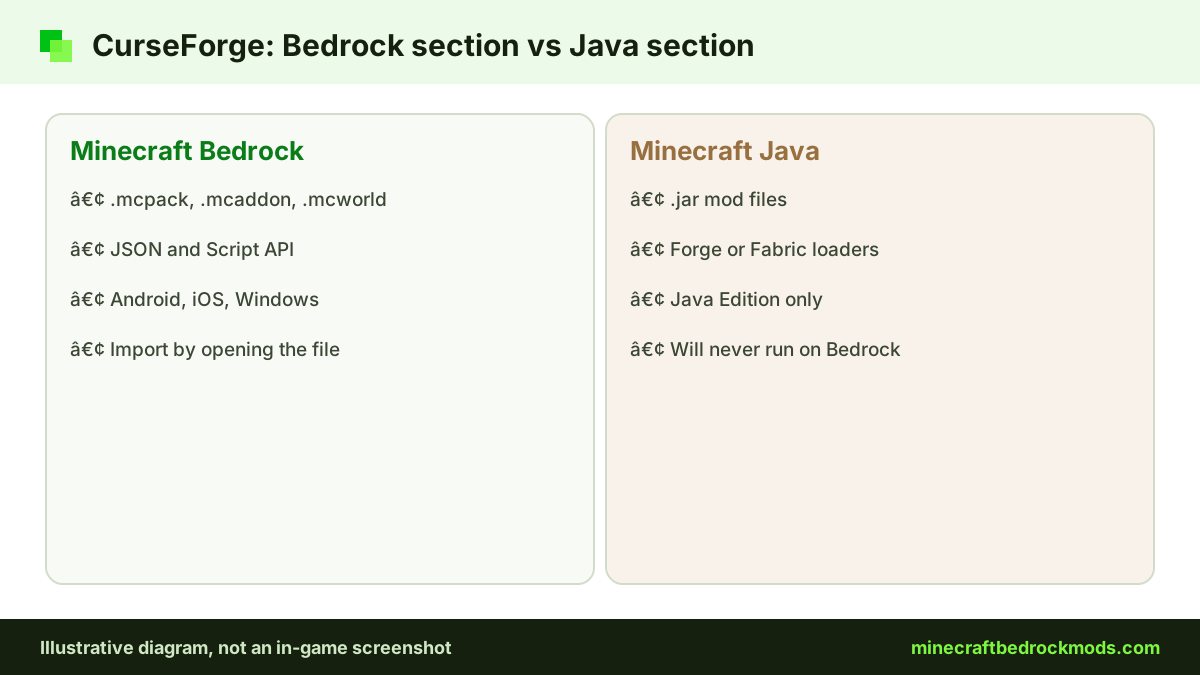
Many players know CurseForge from Java Edition modding. Bedrock content lives in a separate section of the same site, and it is easy to land in the wrong one. Java mods are .jar files and will never run on Bedrock, because Bedrock add-ons are built from JSON definitions and the Script API (JavaScript). If you came from Modrinth, our Modrinth guide explains why that platform is a Java home.
What makes CurseForge appealing is the structure around each upload: a files list, a description, relations to other projects, comments and author profiles. Those signals help you judge whether a pack is current, but they do not replace your own judgment.
Verified CurseForge Bedrock Add-ons to Start With
These projects were checked on their CurseForge pages on November 5, 2026. Each name links to our mods page with the verified source link.
| Add-on | Creator | What it adds | Notes from the source page |
|---|---|---|---|
| Biomes O' Discovery | ZorroCraft | New biomes, trees and crops | Labelled "Achievement Friendly" |
| RPG++ | Serty | RPG systems, dungeons, bosses, magic | Listed as requiring experiments; heavy |
| UtilityCraft | DoriosStudios | Machines, generators, fluid systems | Updated Nov 2, 2026; heavy |
| Epic Machinery | ZorroCraft | Tech and automation machines | Experiments not required per source page |
| Simple Vehicles Addon | RMPlaysMC_YT | Driveable vehicles | Latest file listed 3.5.2; requires experiments |
| Bare Bones Texture Pack | robotpants | Trailer-style textures | Listed for 1.21.90; light |
Other verified CurseForge projects include DontCry by Omayoba, Chaotic World 2.0 by YTAUN, Faithful 64x: Bedrock by the Faithful Resource Pack team, RealSource REALISTIC pack by RealSource and Advanced Waypoints by Endermen76428. For the full list across all hosts, see our best Minecraft Bedrock mods list.
Choosing Between Similar Projects
CurseForge often has several projects that do the same job, and the page details help you choose. UtilityCraft and Epic Machinery are both tech add-ons, but our editorial estimate rates UtilityCraft as heavy and Epic Machinery as medium, so the second may suit a phone better. For waypoints, Advanced Waypoints by Endermen76428 also publishes releases on its creator's GitHub, with v8.1 offered in TP and no-TP builds.
Texture packs follow the same logic. The Faithful team's GitHub release for Faithful 64x: Bedrock dates from 2022, so CurseForge is where the current build lives. RealSource REALISTIC pack supports both RTX and Vibrant Visuals in LOW and HD versions, but RTX itself is Windows-only. Reading those details before downloading saves you from a pack your device cannot handle.
Finding and Filtering Bedrock Projects
Start in the Minecraft Bedrock section rather than the Java listing. Content is grouped into types such as add-ons, maps, texture packs and skins. If you want gameplay changes, stay in add-ons. If you only want a new look, texture packs are simpler and safer for an existing world because they do not change game logic.
Sorting by popularity shows what many players have tried, but it favors older projects. Sorting by recent updates surfaces packs that are maintained for the current game version. Search for a function, such as "furniture", "waypoints" or "machines", rather than a vague phrase.
Reading a CurseForge Project Page
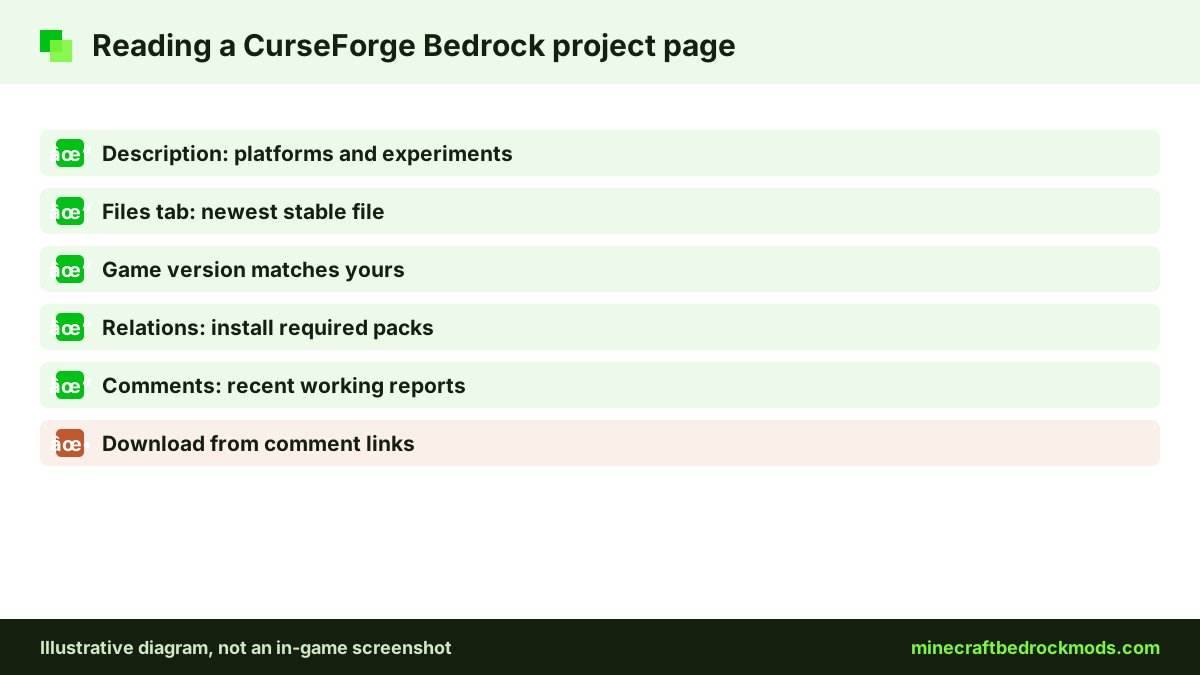
The description is written by the author, so it tells you what they want you to know. The other parts of the page show what is really going on.
Description
Look for supported platforms, whether experiments are required, whether there is a behavior pack, a resource pack or both, and any known issues. RPG++ and Simple Vehicles Addon, for example, say they require experiments, while Epic Machinery says it does not.
Files tab
This is the most important tab. It lists each upload with its date and, usually, the game version it was built for. The newest file is not always right, since authors sometimes upload betas. You want a file ending in .mcpack, .mcaddon, .mcworld or .mctemplate.
Game version
Compare the file's game version with your own. Bare Bones lists 1.21.90, the older numbering used before 26.0, so treat it as unconfirmed on newer releases until you try it on a backup. RPG++ notes that older builds from 1.21.60 are available through the creator's Discord.
Relations
Some add-ons depend on a library pack or a companion resource pack. If a relation is listed as required, download and activate it too. Missing dependencies are a common reason a pack seems to do nothing.
Comments
Recent comments often show whether a pack works after the latest update. Repeated crash reports with no reply are a warning sign. Ignore comment links to outside download hosts.
Creator profile
Click through to the author's profile to see their other projects. A creator such as ZorroCraft, who maintains several add-ons, gives you a track record to judge. A brand-new account uploading a copy of a famous pack is a reason to look for the original instead.
The Achievements Nuance
Several CurseForge projects carry "Achievement Friendly" in their names, including Biomes O' Discovery, Epic Machinery and Chaotic World 2.0. Read that label carefully. Official Minecraft.net guidance from July 2025 says only add-ons released through the Marketplace allow achievements, and mods not from the Marketplace do not qualify. Player reports on the official feedback site also say that after 26.50, worlds with external behavior packs were marked "Achievements Disabled", including some packs labelled achievement friendly. Those are community reports, not an official statement, but they are a good reason to keep a separate vanilla world if achievements matter.
Two more rules apply whatever the label says. Turning on cheats disables achievements, and achievements are not awarded retroactively. If you want both modded fun and an achievement hunt, run them in different worlds rather than switching packs on and off.

Installing What You Downloaded
CurseForge publishes its own guide to installing add-ons in Minecraft Bedrock. The general pattern is the same wherever a file comes from, and you do not need any extra app for Bedrock files:
- Back up your world with Export World or Copy World.
- Open the file. On Windows and Android, opening it usually launches Minecraft and imports it. On iPhone or iPad, open it from the Files app with Minecraft.
- Wait for the import message. Minecraft confirms success or shows an error.
- Activate the pack under Behavior Packs or Resource Packs, plus any required relations.
- Turn on experiments only if the page asks for them.
- Test on the backup before your main save.
Our step-by-step download guide covers each file type in more detail.

Platform Notes
- Windows 10/11: the easiest platform for CurseForge files, with straightforward downloads and imports.
- Android: download in the browser, then open the file from your downloads.
- iOS / iPadOS: save the file to Files first, then open it with Minecraft.
- Xbox, PlayStation and Switch: cannot import CurseForge files. Console players can join a Realm or world that runs them, as our Realms and multiplayer guide explains, or use the Marketplace.
Version Note and Updating Add-ons
Bedrock 26.60 was the latest stable release when we checked on November 5, 2026, with 26.70 in preview. Bedrock does not update sideloaded add-ons automatically. After a major game update, check each project's files tab for a newer upload. To replace an old version, deactivate it on the world, import the new file, activate it, then remove the old copy from Settings and Storage if it still appears. Read the changelog first, because some updates change or remove content.

Troubleshooting CurseForge Downloads
- Import failed. The file may be incomplete or built for a newer version. Update Minecraft and download again.
- Pack imports but does nothing. Check that both packs are active, relations are installed and required experiments are on.
- Duplicate packs. You imported more than one version. Deactivate extras and delete them from storage.
- World will not load. Restore your backup, then add packs back one at a time.
- New items or mobs never appear. Projects such as RPG++ and Simple Vehicles Addon list experiments as required. Check the description and turn on exactly the toggles it names.
- Textures look wrong. Packs higher in the active list override those below, so reorder them.
Safety Habits on CurseForge
Download only from the project's own files tab, never from comment links to outside hosts. Never run an .exe or install an .apk that claims to set up an add-on, because real Bedrock packs never need one. If a download comes as a .zip, look inside: a proper pack file or a folder with a manifest.json is fine, while an executable should be deleted. Parents should also check horror projects such as DontCry before younger players try them.

Frequently Asked Questions
No. Java mods are .jar files built for Java Edition loaders, and Bedrock cannot run them. Browse the Minecraft Bedrock section, where add-ons come as .mcpack, .mcaddon, .mcworld or .mctemplate files.
No. You can download Bedrock files from a project's files tab in a browser and open them to import into Minecraft on Windows 10/11, Android and iOS or iPadOS.
Open the files tab and compare each file's game version with yours. Prefer the latest stable release over a beta, confirm the extension is a Bedrock pack type, and install any required relations.
No. Xbox, PlayStation and Switch cannot import community files. Console players can join a Realm or world that already runs the packs, or use Marketplace add-ons instead.
Be cautious. Official guidance says only Marketplace add-ons allow achievements, and player reports after 26.50 say some packs labelled achievement friendly were still marked Achievements Disabled.
Updates can change the add-on format or the Script API. Check the files tab for a newer upload, read the changelog, and test the update on a backup of your world.
Conclusion
CurseForge gives Bedrock players a tidy, searchable home for add-ons, from Biomes O' Discovery and UtilityCraft to Bare Bones and Simple Vehicles Addon. Its real value comes from the project page: the description, the files tab, the game version, the relations and the comments. A minute spent on those parts filters out most broken or outdated downloads.
After installing, back up first, update deliberately after reading changelogs, and treat "Achievement Friendly" labels with caution. Keep Java mods out of the picture, remember that consoles can only join worlds that run these packs, and CurseForge becomes a reliable source for Minecraft Bedrock mods.